What MedVault does
You should not have to be your own medical record, re-explaining your history at every appointment while you are least able to. MedVault carries that load for you.
The screens below are from the app, with sample data.
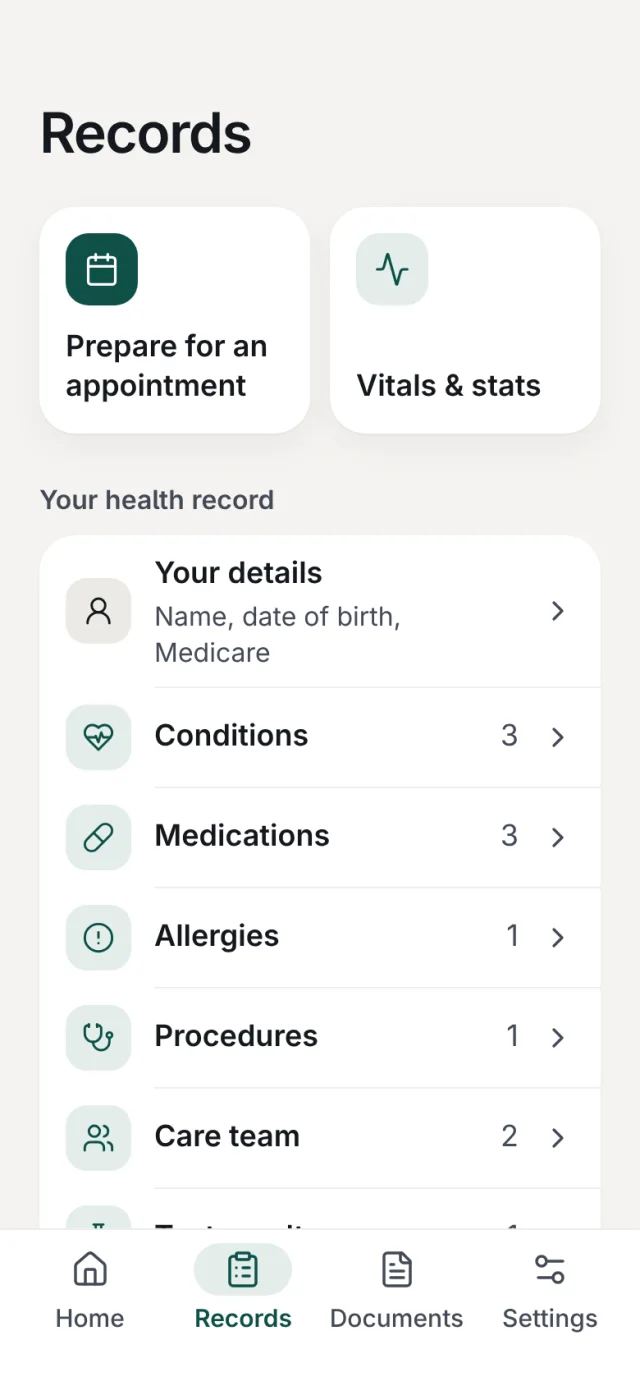
Your history, in one place
Keep your conditions, medications, allergies, procedures, care team and test results together, along with your own details like your Medicare number.
It is there where you left it, every time you open the app, so you are not hunting for a date or a dose the night before an appointment.
It reads the letters you already have
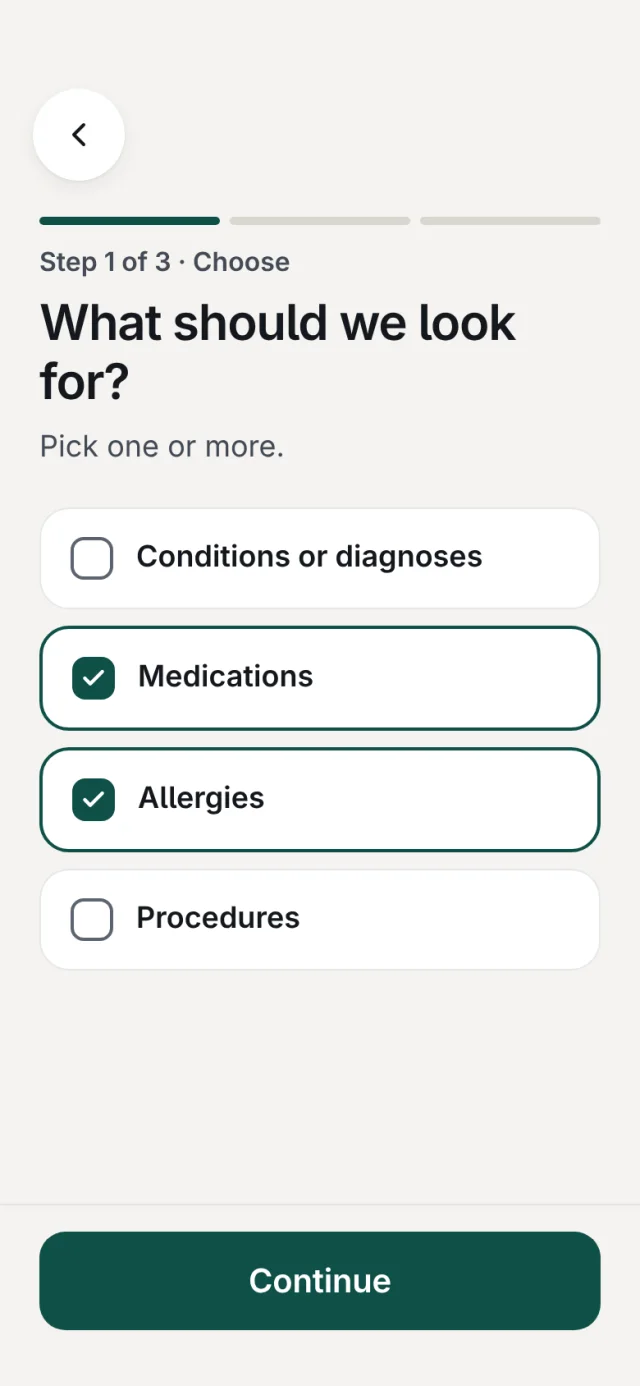
Add a specialist letter, a discharge summary or a test result as a PDF, or take a photo of it. Tell MedVault what to look for: conditions, medications, allergies or procedures.
You see exactly what it found, with the words it came from, and you add, change or skip each item. Nothing is saved until you say so.
Help with medical forms
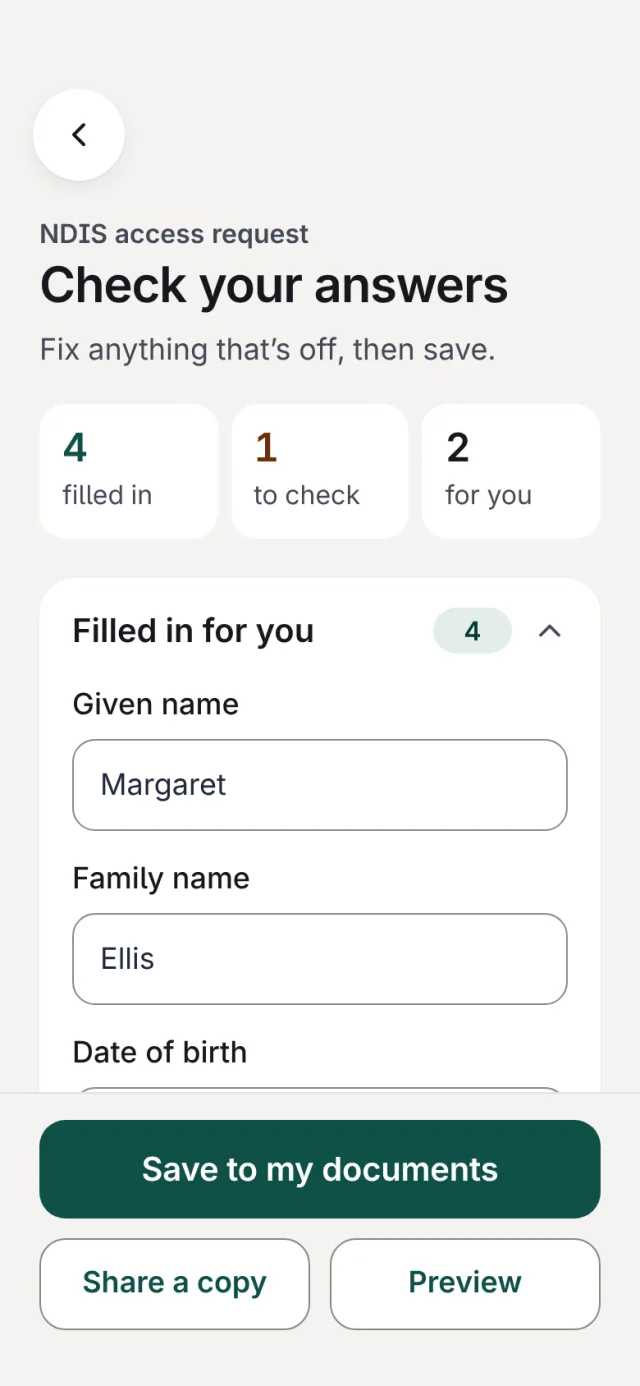
New clinics mean the same forms, again and again. Open a PDF form and MedVault fills in what it can from your records, then shows you what it filled, what to double-check and what is left for you.
Save the finished form to your documents or share a copy. For a paper form, MedVault gives you your answers to copy across, one at a time.
A plain-language summary to hand over
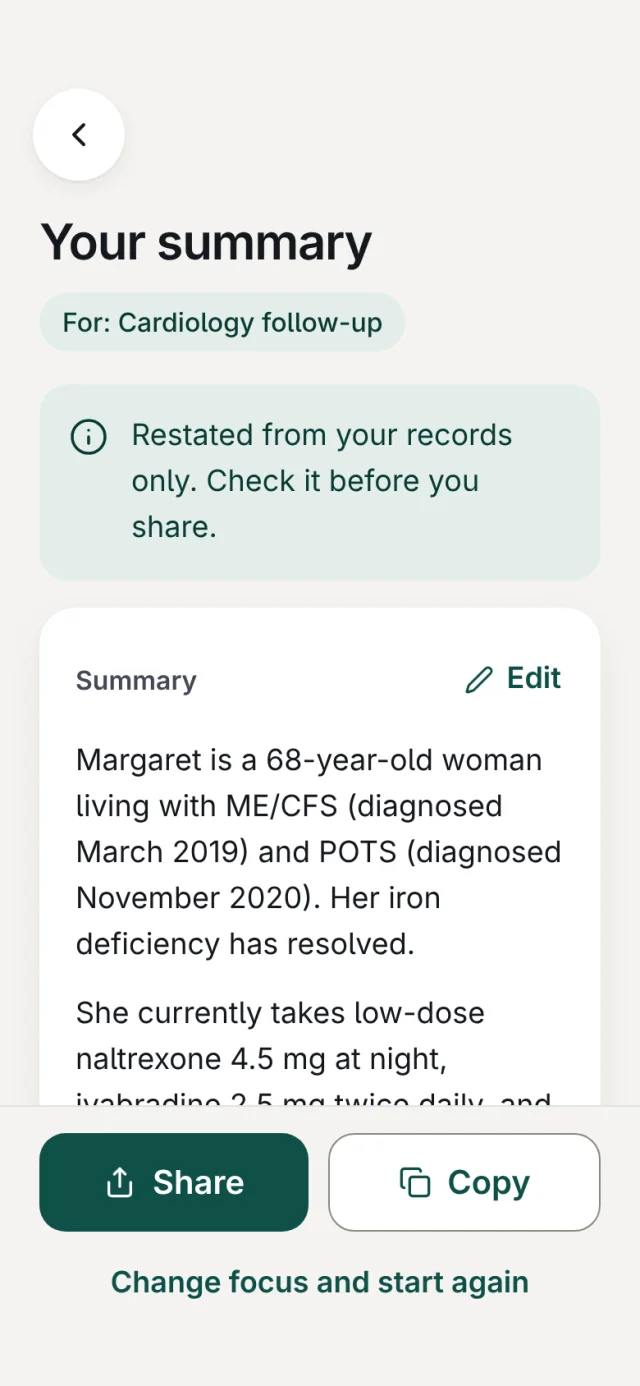
Seeing a new specialist? MedVault turns your records into a short, plain summary. Pick a focus like a GP appointment or a medication review if you want to.
It only restates what is in your records. Edit it, then copy it or share it straight from your phone.
Ready for the appointment
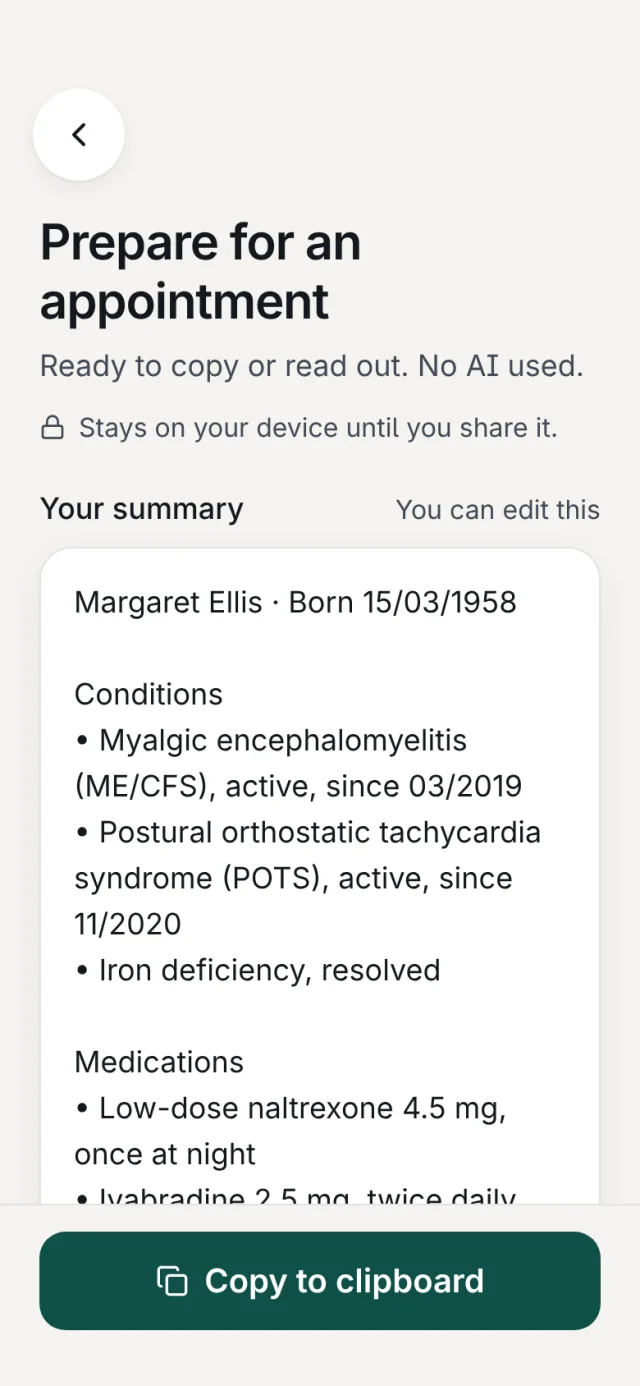
Prepare for an appointment gathers your details, conditions, medicines and allergies onto one sheet you can copy or read out in the room. No AI is used for it.
Readings, kept together
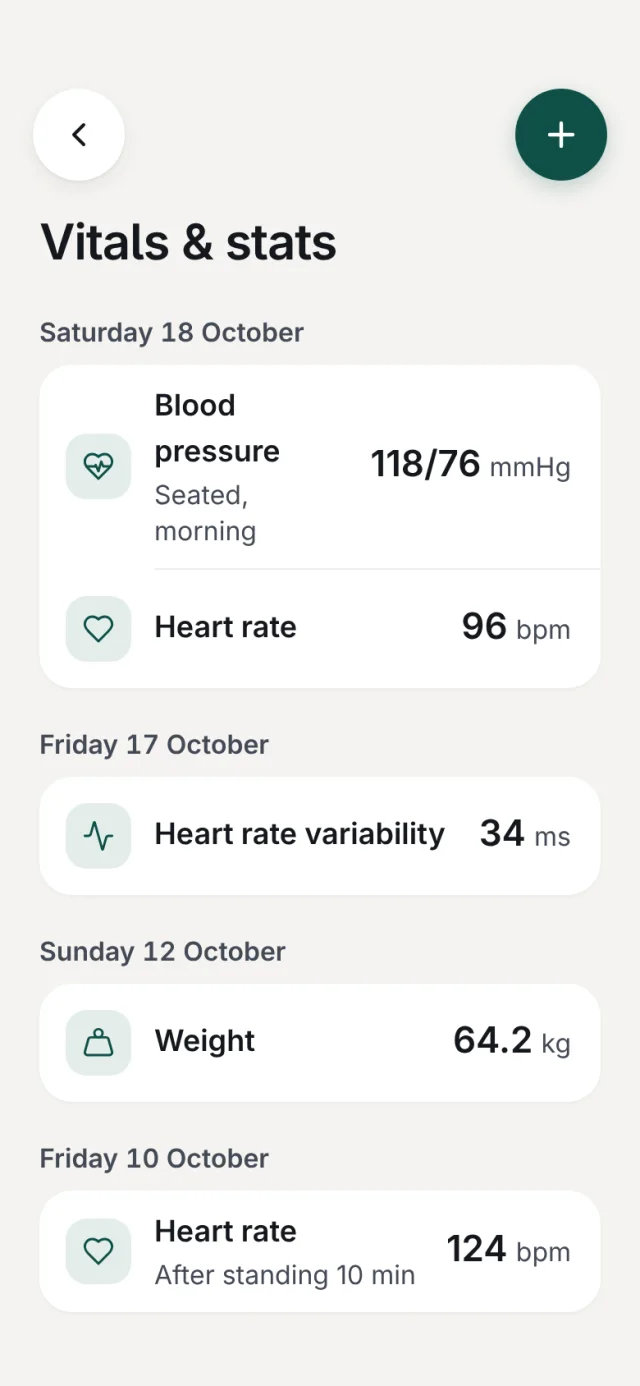
Note your blood pressure, heart rate, heart rate variability, weight, temperature and oxygen level, with a short note for context, like 'after standing 10 minutes'.
Calm by design
Large type, one clear thing to do on each screen, and nothing that flashes or nudges. It works with VoiceOver, larger text and reduced motion.
Free. For iPhone and iPad.
Read how your records are kept private and secure.